
Keep relief moving when conditions change.
See where help is needed, rehearse your response, and keep relief sites supplied—even when connections are unreliable.
Your sites and routes
Response options you can explain
Tools for the team on site
Pathline for Emergency Response
Establish the area
Every response starts with a place, and the people who depend on it. In Pathline, your incident area brings relief sites, transport routes, and evacuation zones together, so you can see the communities each site serves.
Understand capacity
Start with a baseline configured for your operation. See population estimates and assigned response centers alongside each site's daily support capacity and the supplies actually on hand. That gives you a clearer picture of where medical support, food, and water are available.
Rehearse disruption
Then ask what happens when conditions change. If a hurricane closes a supply route just as demand rises, an isolated site may need water that is now harder to deliver. Run that scenario to follow how the pressure spreads through the network, revealing bottlenecks and shortages.
Compare responses
Compare response options by speed, cost efficiency, and risk, with an explanation of why each is proposed. See what an option could change, when relief could arrive, and which shortages could remain. Compare that with waiting, then advance the simulation to see the result.
Follow supplies
Move from the regional picture to My Relief Site, where your team can review stock, consumption forecasts, and incoming deliveries. Follow a shipment through transit and receipt, keeping water on the way distinct from water the site can use now.
Continue in the field
When the wider network is unavailable, authorized teams can keep recording supported field operations locally and exchange updates through an available hub. Review discrepancies and reconcile when connectivity returns. TrendLine provides supporting network insight, while Pathline helps you prepare, respond, and keep relief moving. Request a demonstration configured around your community.
Start with the people and places you support.
See where people will go and which relief sites will support them. Bring evacuation assignments, supply routes, and site capacity together on a shared map.
- Population estimates, their sources, and assigned response centers
- Daily support capacity and configured services, alongside stock on hand
- Supply routes and the transport available
Practice the response before the pressure arrives.
A hurricane closes a supply route just as a relief site needs more water. Rehearse that situation to see where a delay could become a shortage—and where your response needs to change.
- Adjust the scenario as your planning questions change
- Trace how route closures and rising demand affect other sites
- Refresh NWS weather information and see its source and time
See the reasoning behind the next move.
A shipment can be moving while a relief site is still running short. Compare a response with waiting over the same period, choose an option, then advance the simulation to see what changed and which needs remain.
- Understand the cause, assumptions, and speed, cost efficiency, and risk tradeoffs
- See when supplies could arrive and which shortages could remain
- Follow your selected response into the next scenario step
See how long your supplies could last.
See what the relief site has on hand, how quickly it is being used, and what is coming next. A delivery on the way stays separate from supplies your team can use today.
- Available stock and supplies committed elsewhere
- Incoming deliveries and when they were last updated
- Consumption forecasts for each site
Keep the site moving when connections drop.
A lost connection does not have to mean lost records. Authorized teams can keep recording supported site operations locally, share updates when a local hub is available, and work through discrepancies when the central connection returns.
- Record a physical count and link any correction to it
- See which updates are stored locally or shared with the hub
- Resolve discrepancies while keeping unmatched receipts visible for review
Start with your community.
We work with your team to bring your locations, supply needs, and transport options into Pathline. Together, we build a starting picture that reflects your operation, so your team can explore scenarios and record field updates as the situation develops.
Start with your situation
Tell us where your teams work, what they need to move, and what gets in the way.
Build your starting picture
We configure your sites, routes, resources, and constraints around the work you do.
Put the plan to work
Your team can explore scenarios and keep site records up to date as conditions change.
A few practical questions
We configure a baseline around your relief sites, evacuation assignments, transport options, and supply needs. Your team can then adjust supported scenario inputs, explore response options, and record site counts, receipts, and corrections as conditions change.
Support capacity describes how many people a site is configured to support per day. Inventory shows the supplies on hand, while consumption forecasts estimate how long they could last. Read them together: a site may have room to support more people and still need another water delivery.
You can refresh National Weather Service information and inspect its source, effective time, and expiry. Simulated conditions are identified separately, so the disruption you are rehearsing stays distinct from the weather information you are consulting.
A count records what your team observed; a linked correction records the stock adjustment. Authorized teams can retain supported operations locally and exchange them through an available hub. When the central connection returns, the team can review and resolve discrepancies. A receipt that cannot be matched stays visible for further review.
Insight for the networks your teams depend on.
Response teams depend on communications as well as supplies. TrendLine supports network performance analysis and disruption testing, helping teams understand how their networks behave under pressure.
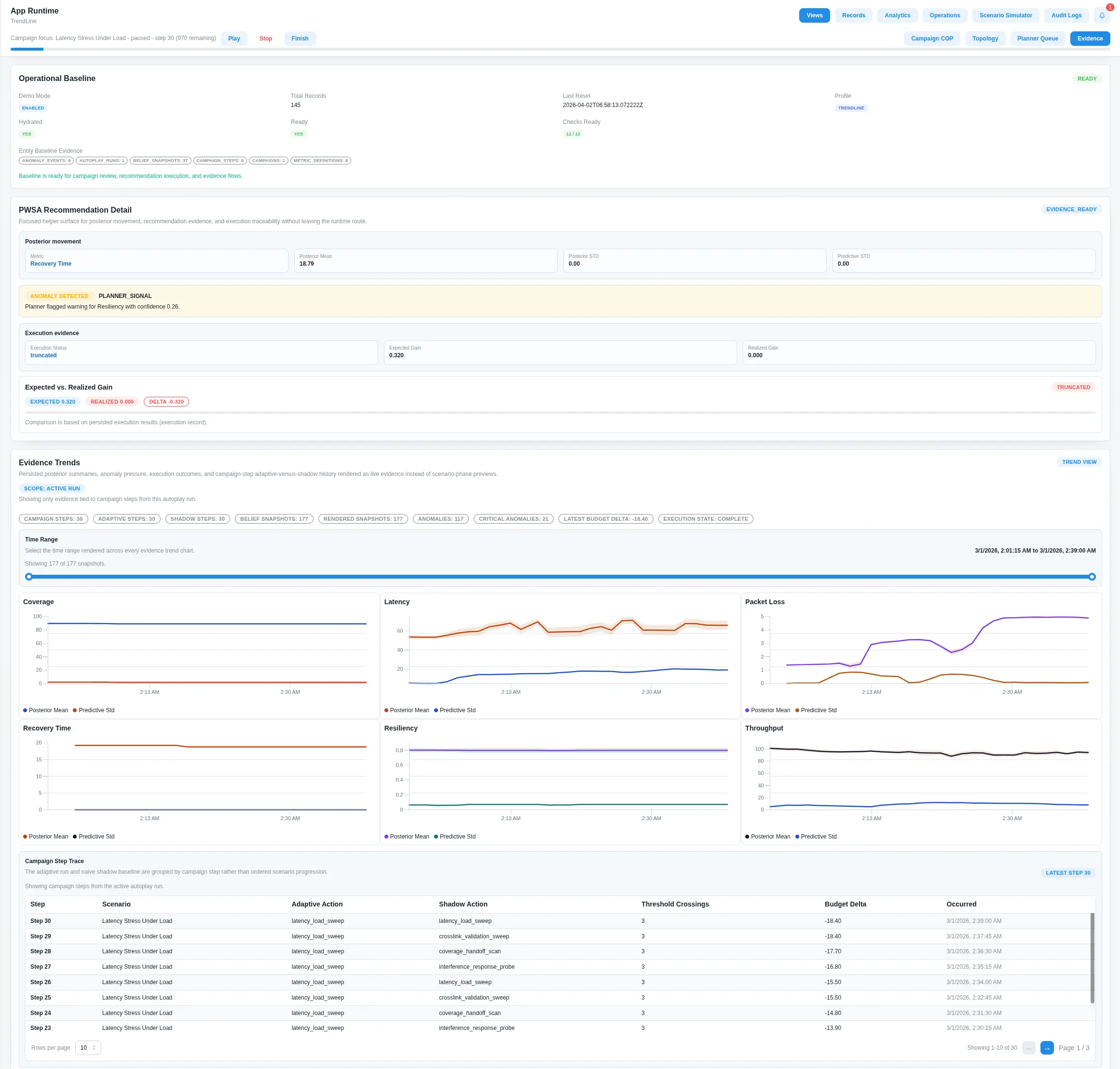
Network health
Explore latency, throughput, packet loss, and anomalies with the evidence behind them.
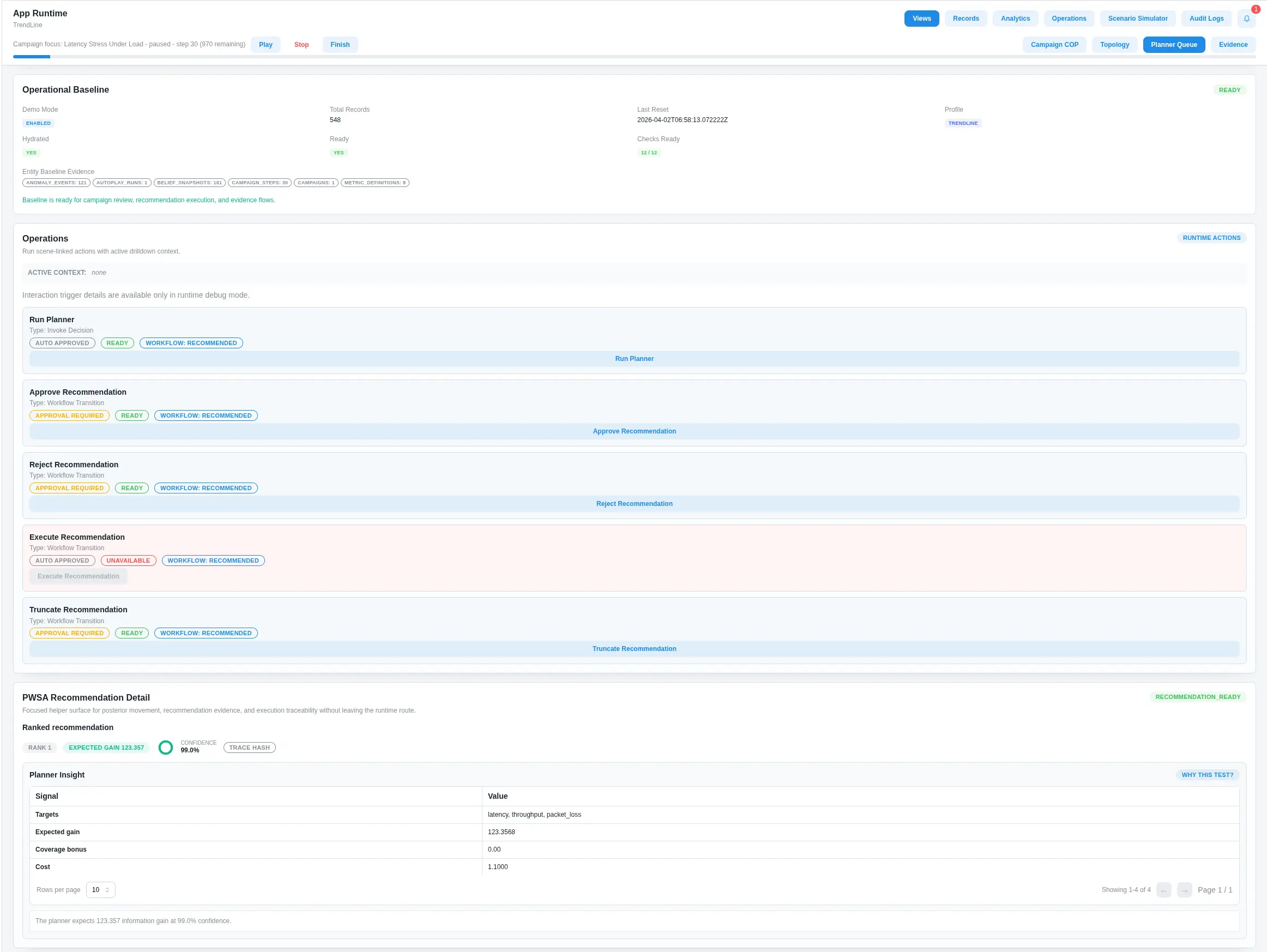
Communications resilience
Test disruption scenarios and review recommendations for resilient network planning.
Questions about deployment and fit
How Pathline, TrendLine, and custom applications can fit your environment.
Yes. Our integration capabilities connect with external applications, enterprise databases, file services, and legacy systems for data ingestion and workflow automation. Options include REST APIs, database connectors, SFTP, SOAP, and plugins. We can discuss the connections your operation needs.
Built-in identity, access, and policy controls include authentication, role-based access control, and policy gates. Performance monitoring, action logs, traces, and an immutable audit trail help teams review application activity and maintain accountability.
We support secure application delivery across edge and cloud environments, including deployment environment and air-gapped restrictions. Centralized application management provides version and release controls, deployment visibility, and health monitoring.
Yes. Configurable workflows can include rules-based triggers, human approvals, and execution logs. Reusable components, API integrations, and deployment templates support custom mission applications. Tell us about your process and we can discuss the right configuration.
Plan around your community.
Bring us a planning question. We’ll walk through a demonstration shaped around your sites, your constraints, and the decisions ahead.
Request a tailored demo